
Free tools overview
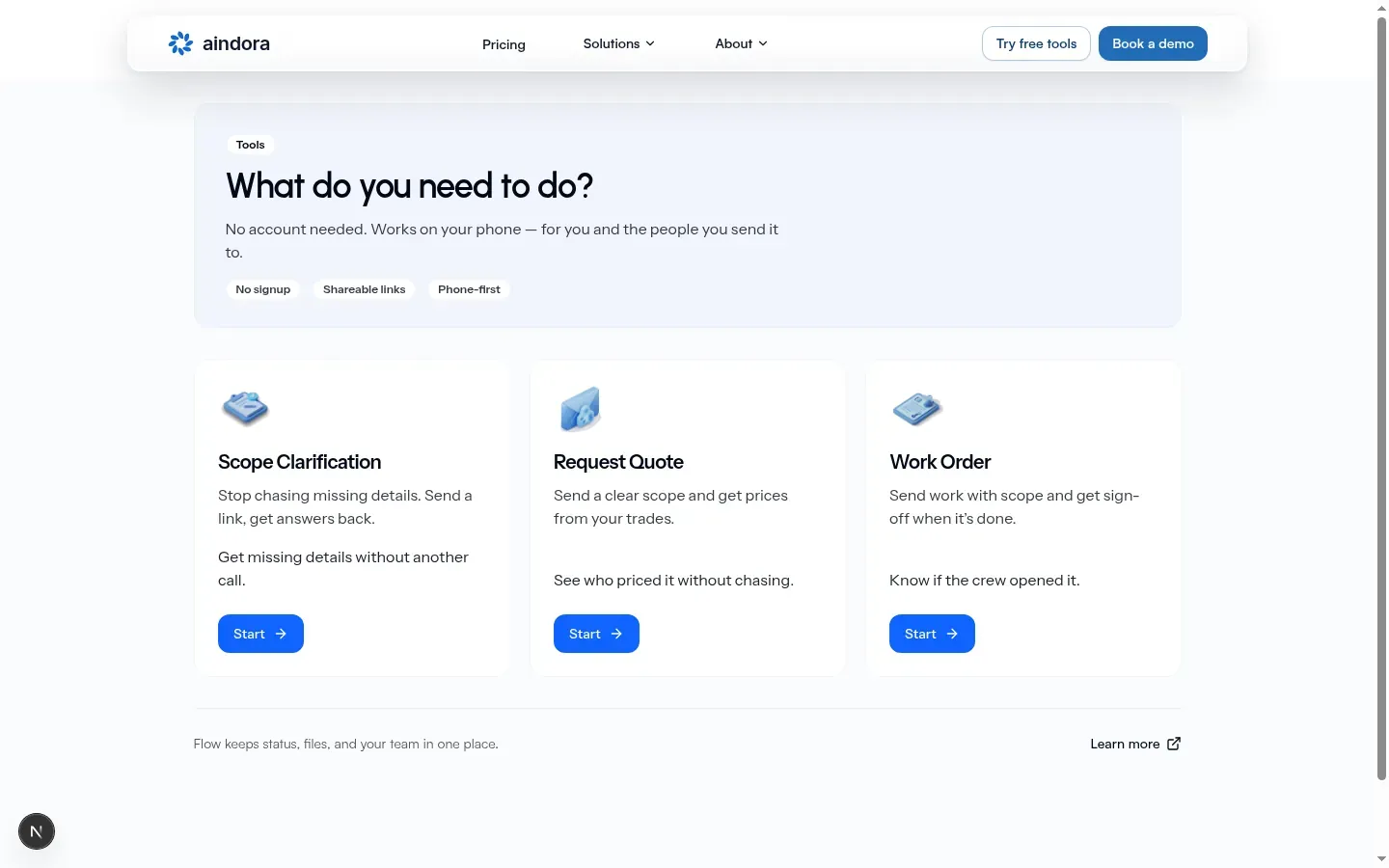
Public free tools live on the Free tools hub. You do not need a Flow account. The hub asks What do you need to do? You’ll see chips: No signup, Shareable links, Phone-first. Each wizard shows No account needed.
| Tool | Open it | Description | Who it helps |
|---|---|---|---|
| Scope Clarification | Hub Start | Stop chasing missing details. Send a link, get answers back. | Get missing details without another call. |
| Request Quote | Hub Start | Send a clear scope and get prices from your trades. | See who priced it without chasing. |
| Work Order | Hub Start | Send work with scope and get sign-off when it is done. | Know if the crew opened it. |
Hub card button: Start. Back from a tool toward the hub: All free tools.
Wizard step labels (short)
Section titled “Wizard step labels (short)”Full field-by-field how-tos stay on each tool’s guide.
| Tool | Steps |
|---|---|
| Scope Clarification | Select Form → Your details → Fill Form → Invite Clients → Review & Send |
| Request Quote | Select Form → Your details → Fill Form → Add Recipients → Review & Send |
| Work Order | Your details → Job site → Complete work order |
Subtitles on the wizards:
- Scope Clarification: Fill in what you know and send to clients for completion
- Request Quote: Define the scope clearly and request pricing from trades
- Work Order: Send a work order with scope and completion sign-off
Scope Clarification and Request Quote open with System templates. Known system names include Flooring Scope and General Scope. Each card shows an N fields count from the live template.
Scope Clarification vs Request Quote
Section titled “Scope Clarification vs Request Quote”These two follow the same steps. Outcomes differ. Do not treat them as the same tool.
| Scope Clarification | Request Quote | |
|---|---|---|
| Goal | Shared details form | Per-vendor pricing |
| Invite step | Invite Clients | Add Recipients |
| Complete | Creator marks complete; whole shared form locks | Each vendor submits or declines independently |
| Tracking link | Your tracking link | Your tracking link |
Work Order (third tool)
Section titled “Work Order (third tool)”Separate steps from the two scope flows. After your details and the job site, you finish scope, photos, and contractor on your tracking link.
| Open it | Work Order |
| Tracking link | the Work Order tracking link |
How-to: Work Order.
After you create (no account)
Section titled “After you create (no account)”Success screen titles: You’re set (when a tracking link is ready) or Check your email. Primary continue: Open your tracking link. Recipients use shareable links with no account. See each tool’s guide for the create path.
Already logged in
Section titled “Already logged in”When you open a free-tool link while signed in to Flow, you may be sent into your company’s create screen, see Which company?, or stay on the no-account wizard (Continue without an account). Items you created before signing up can later be added to a company you own.
That path, picker, and Import from free tools? flow are documented on Free tools in Flow.
Guides
Section titled “Guides”| Tool | Guide |
|---|---|
| Scope Clarification | Scope Clarification |
| Request Quote | Request Quote |
| Work Order | Work Order |
| Import and company picker | Free tools in Flow |